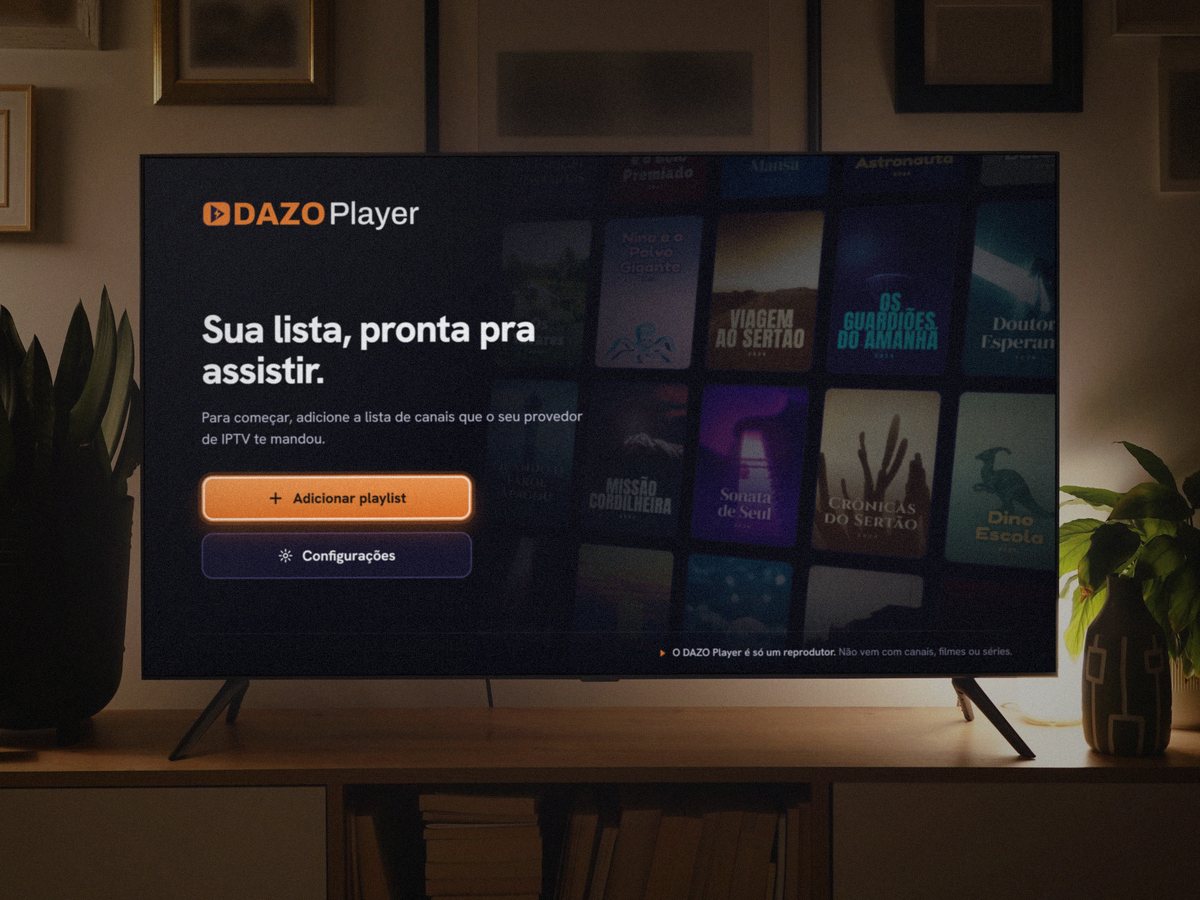
DAZO Player is only a player. It doesn’t come with channels, movies or shows.
For Android TV, Google TV, Fire TV and TV box
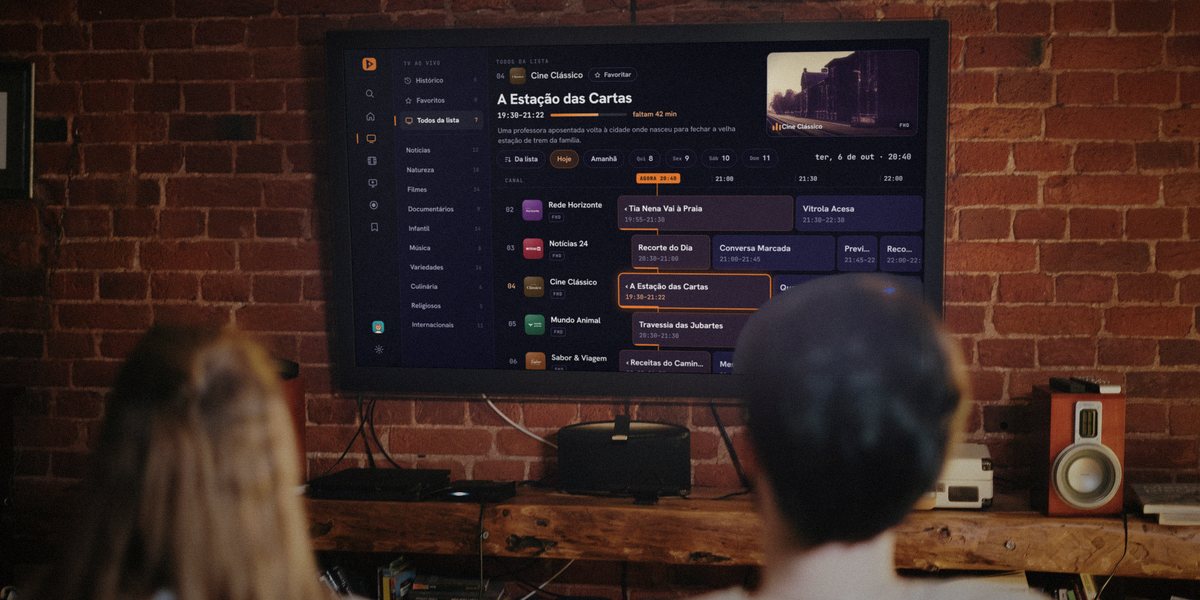
04Cine ClássicoFHD
A Estação das Cartas19:30–21:22
Quando o Farol Apagou21:22–23:00
TV ao Vivo
Histórico0
Favoritos0
Todos da lista7
Notícias12
Natureza18
Filmes24
Documentários9
Infantil14
Música8
Variedades16
Culinária6
Religiosos5
Internacionais11
Todos da lista
04Cine ClássicoFavoritar
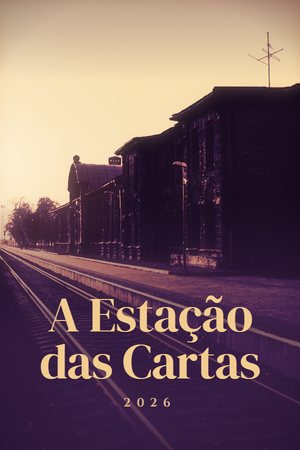
A Estação das Cartas
19:30–21:22
faltam 42 min
Uma professora aposentada volta à cidade onde nasceu para fechar a velha estação de trem da família.
Cine ClássicoFHD
Da listaHojeAmanhãQui8Sex9Sáb10Dom11
ter, 6 de out · 20:40Canal21:0021:3022:00AGORA 20:4002Rede HorizonteFHD
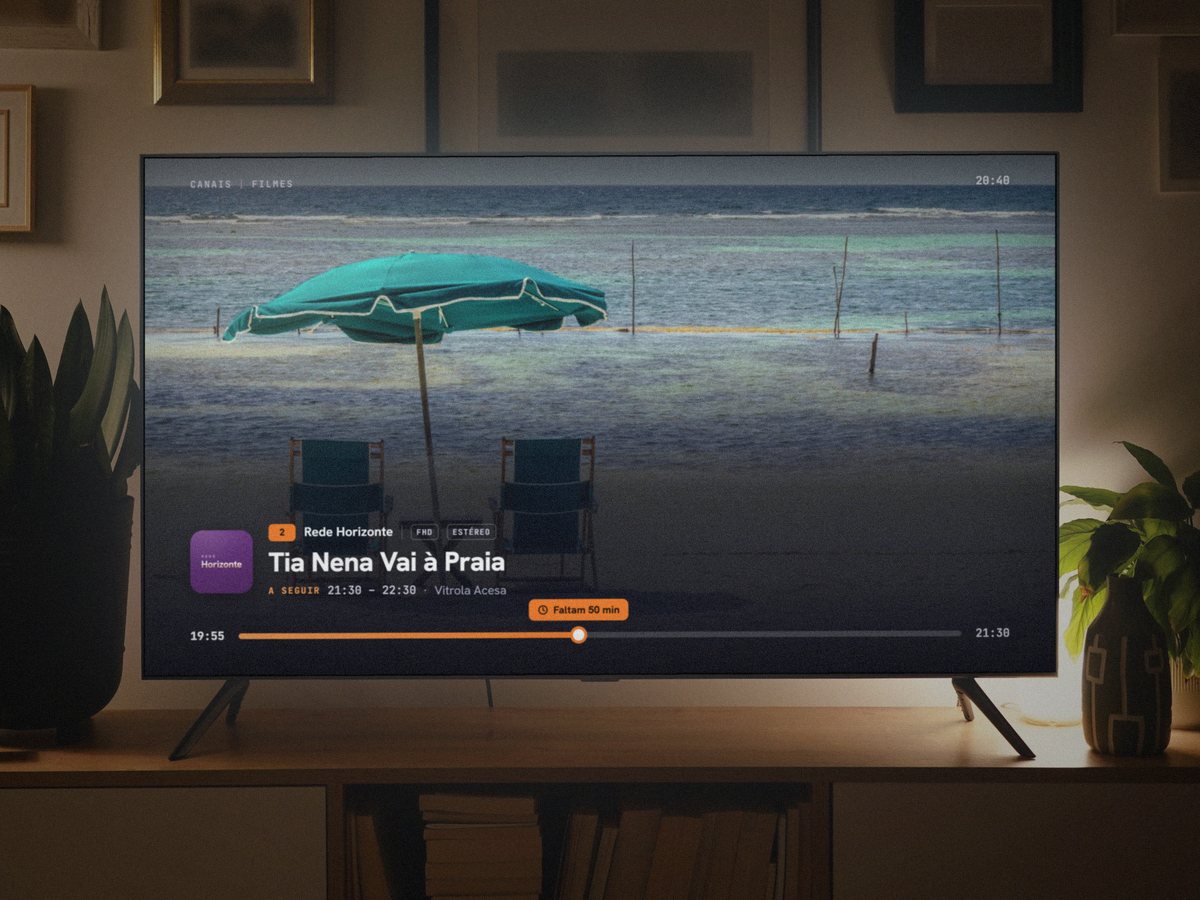
‹ Tia Nena Vai à Praia19:55–21:30
Vitrola Acesa21:30–22:30
03Notícias 24FHD
Recorte do Dia20:30–21:00
Conversa Marcada21:00–21:45
Previsão do Tempo21:45–22:00
Recorte do Dia22:00–22:30
04Cine ClássicoFHD
‹ A Estação das Cartas19:30–21:22
Quando o Farol Apagou21:22–23:00
05Mundo AnimalFHD
Travessia das Jubartes20:30–21:30
Filhotes do Pantanal21:30–22:20
06Sabor & ViagemFHD
‹ Receitas do Caminho20:00–21:00
Mesa de Viagem21:00–22:00
Receitas do Caminho22:00–23:00
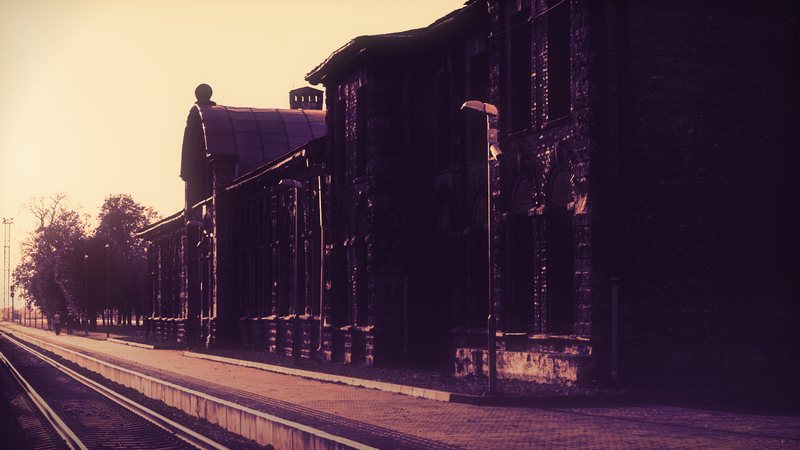
Cine Clássico04
A Estação das Cartas19:30–21:22
Depois: Quando o Farol Apagou
Illustrative image. Fictional titles.
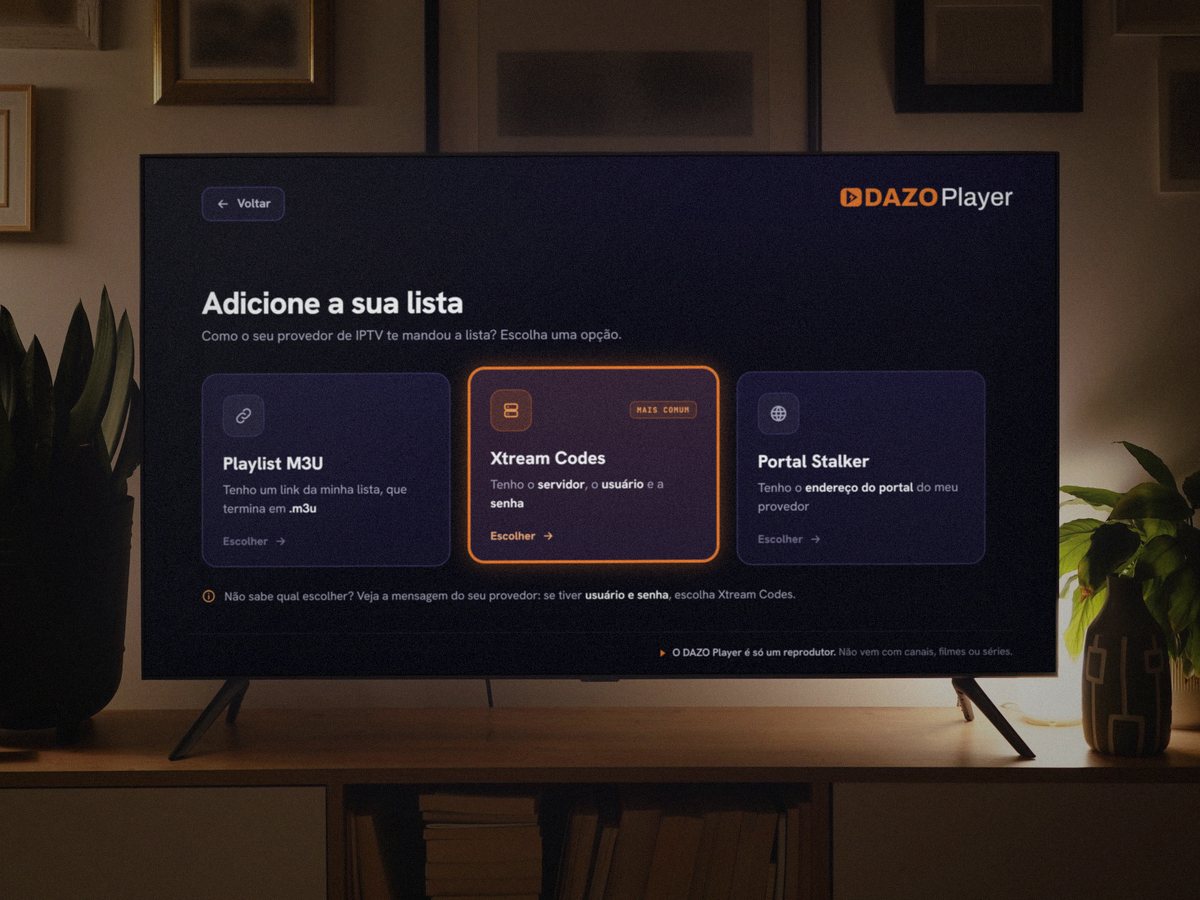
Get started in three steps.It takes a few minutes.
IPTV means watching TV channels over the internet.
1Install DAZO
Search for DAZO Player in your TV’s store and select Install.
2Connect your playlist
Type the link, or the username and password, that your provider gave you.The TV shows you where.
3Watch
Pick a channel from the list and watch.
Only use playlists you have the right to watch.DAZO doesn’t sell or recommend playlists.
Movies and shows,with a cinema feel.
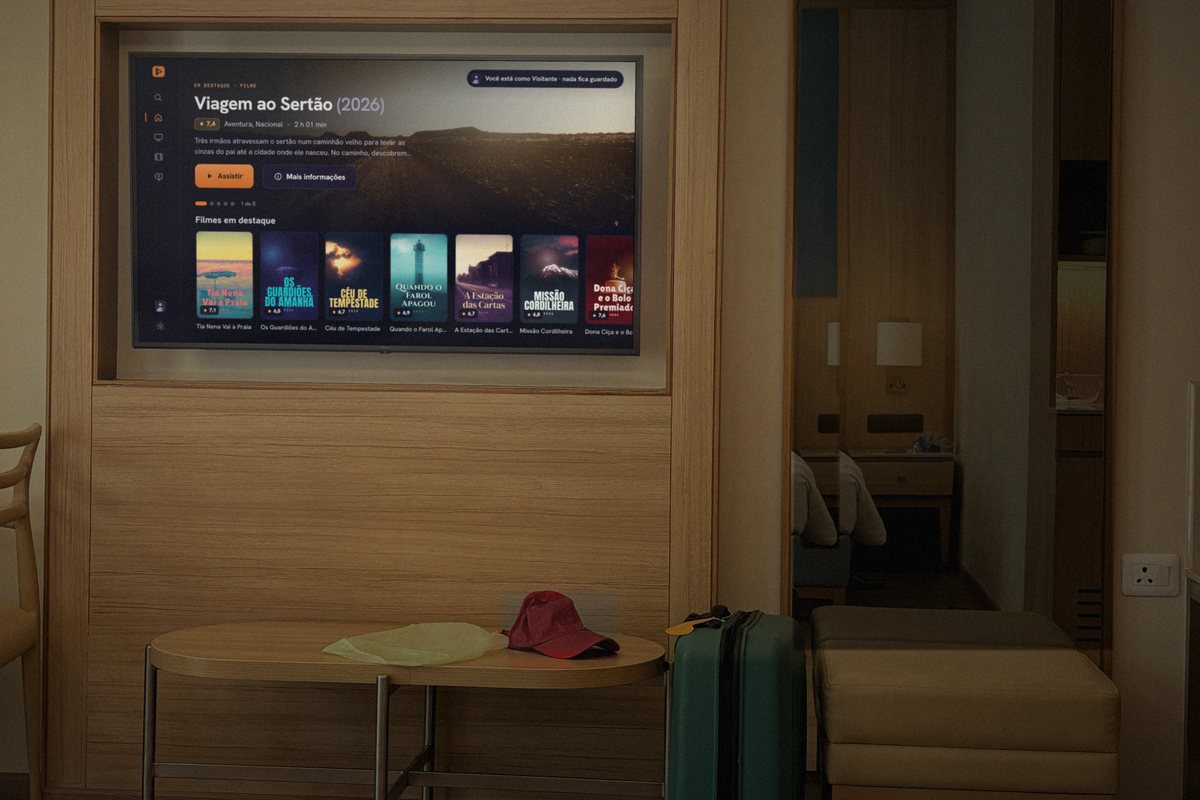
When your playlist includes movies and shows, DAZO displays each one with a cover, rating and summary, and remembers where you left off.
Premium
Filmes
Minha lista0
Histórico0
Todos os filmes36
Destaques13
Cinema9
4K6
Nacionais9
Comédia6
Ação9
Drama e Romance11
Terror e Suspense5
Infantis5
Documentários3
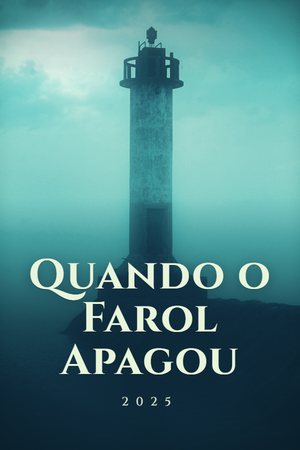
20:40Quando o Farol Apagou (2025)
6,92025•1 h 38 min•Suspense, Mistério
ÁudioPortuguêsLegendasPortuguês
Na noite em que o farol da ilha apagou, o faroleiro desapareceu. Trinta anos depois, a neta encontra os diários dele e uma história que a cidade inteira tentou esquecer.Destaques2 / 13
7,4
Viagem ao Sertão
6,9
Quando o Farol Apagou
6,7
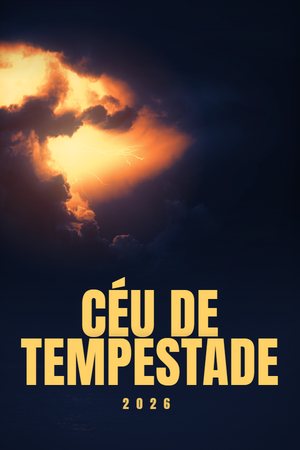
Céu de Tempestade
6,7
A Estação das Cartas
7,1
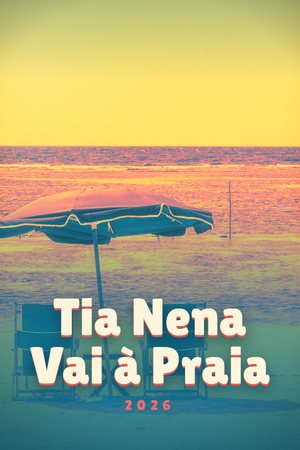
Tia Nena Vai à Praia
6,5
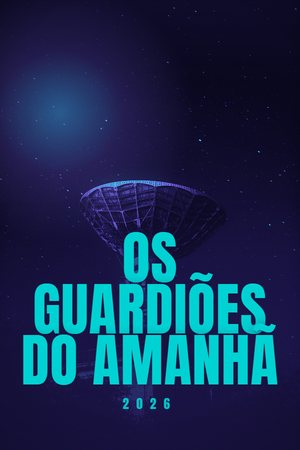
Os Guardiões do Amanhã
6,8
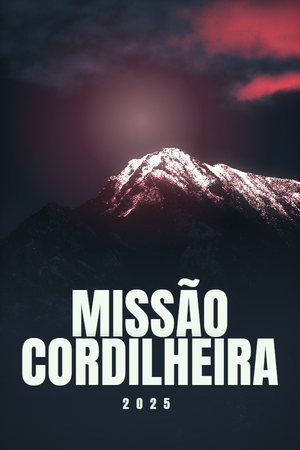
Missão Cordilheira
7,6
Dona Ciça e o Bolo Premiado
6,9
Céu de Tempestade
Movie · 2026 · Action, Adventure
A rescue pilot has to fly through the storm of the century to save a crew trapped on a platform in the middle of the ocean.
Sample covers, with fictional titles.
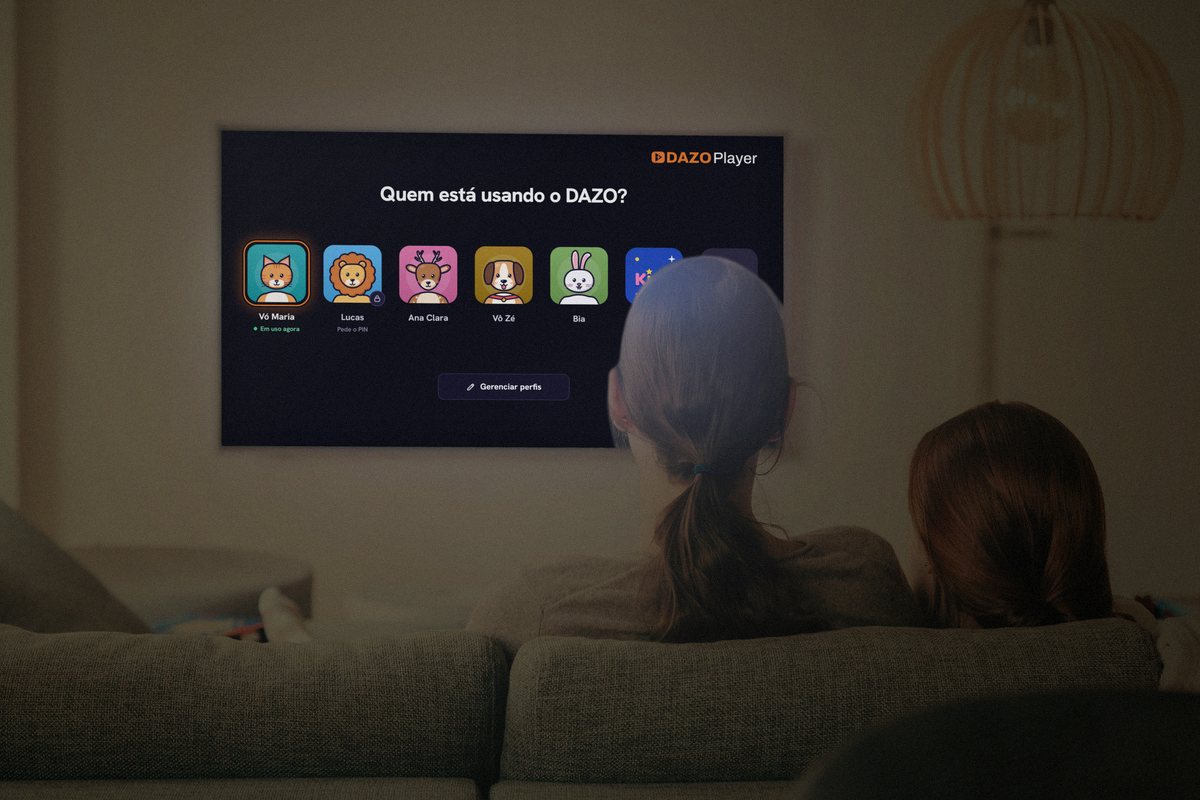
Profiles and Kids:everyone in their own place.
Each person in the household has their own profile, and the children have Kids.
Up to 5 profiles on the same account
Each person picks their own avatar and keeps their own favorites and history. Kids comes separately.
Premium
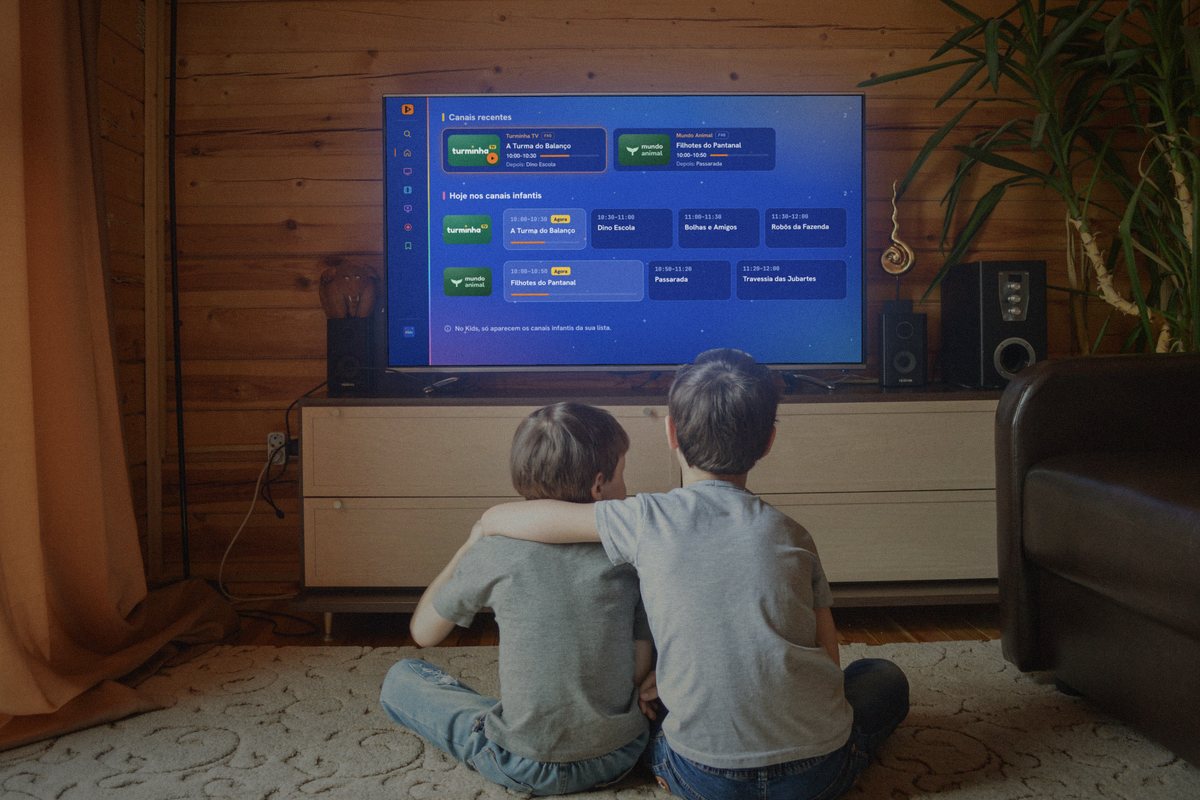
A corner for the kids
The whole TV turns blue and the child only sees what was made for them, from your playlist. It comes with the free plan.
A profile for visitors
So visitors can watch without touching the household’s history or favorites. When they leave, the TV forgets everything.
Premium
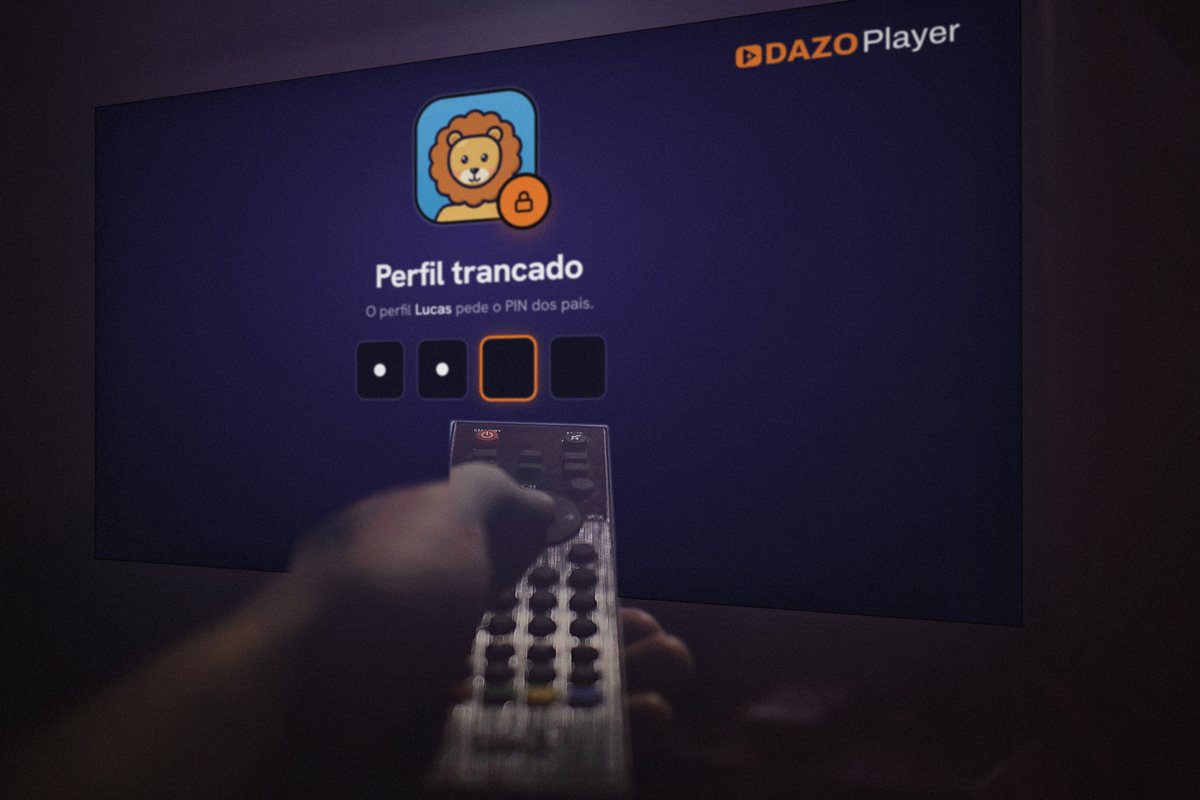
Parents' PIN
A 4-digit PIN locks a profile and the way out of Kids. Forgot it? The TV sends a code to your email. On the free plan, Kids has no lock.
Premium
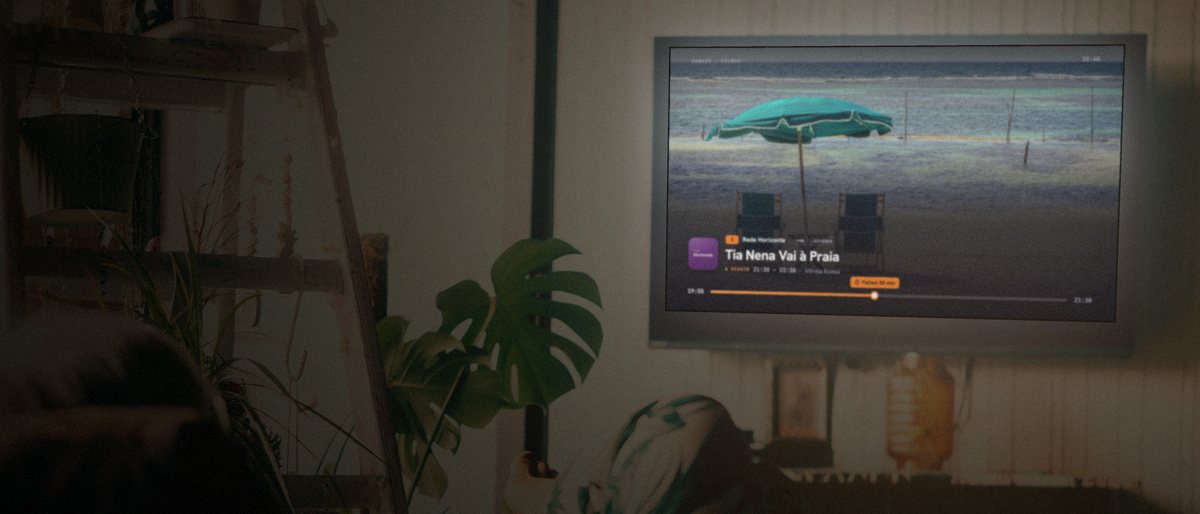
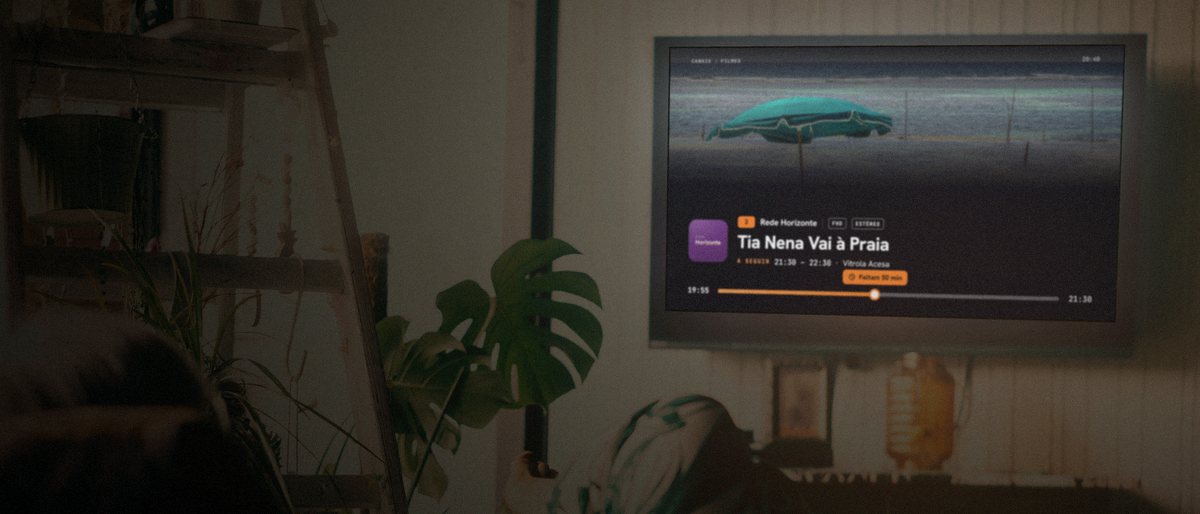
Senior Mode:large text with one press.
Try it and watch the screen change:
CANAIS|FILMES20:40
2Rede HorizonteFHDESTÉREOTia Nena Vai à PraiaA SEGUIR21:30–22:30·Vitrola Acesa
19:55Faltam 50 min21:30
CANAIS|FILMES20:40
2Rede HorizonteFHDESTÉREOTia Nena Vai à PraiaA SEGUIR21:30–22:30·Vitrola Acesa
19:55Faltam 50 min21:30
On the TV: Configurações › Modo Sênior (Settings › Senior Mode)
Favorites and playlists,your household’s way.
The six below come with Premium.
Favorites in folders
Your favorite channels in one place, and the programs to watch at your own pace.
Reminders and recordings
The TV reminds you at the right time, and you can also record to watch later.
Several playlists
Up to 6 playlists on the same account. Switch playlists with the remote.
Channels your way
Put the channels in the order your household prefers and leave out the ones nobody watches.
Color themes
Five themes for the app. On the free plan, only the DAZO theme.
Several devices
Use the same account on up to 5 devices, like the living room TV and the bedroom TV.